This isn’t directly related to PC Gaming, but I love these things so much I figured it was worth a write-up. Also, keep in mind that I am a networking noob, so I’ll probably use the wrong terms at some point.
To start, Ubiquiti makes a whole range of networking gear. It definitely is more of an enterprise piece of equipment versus your typical consumer residential equipment. This is evident when you set it up. Most consumer-grade equipment plugs in, has a wizard, and is running in no time. My Unifi APs (access points) were easy to set up, but took a bit more effort than something you would find from Netgear, for example. It was still easy to do since I left everything on Auto, but there are a ton of features that I have no business touching. My main reason to upgrade was simply poor Wifi in spots of my home. I have several cameras and smart-home items, and everything felt delayed.
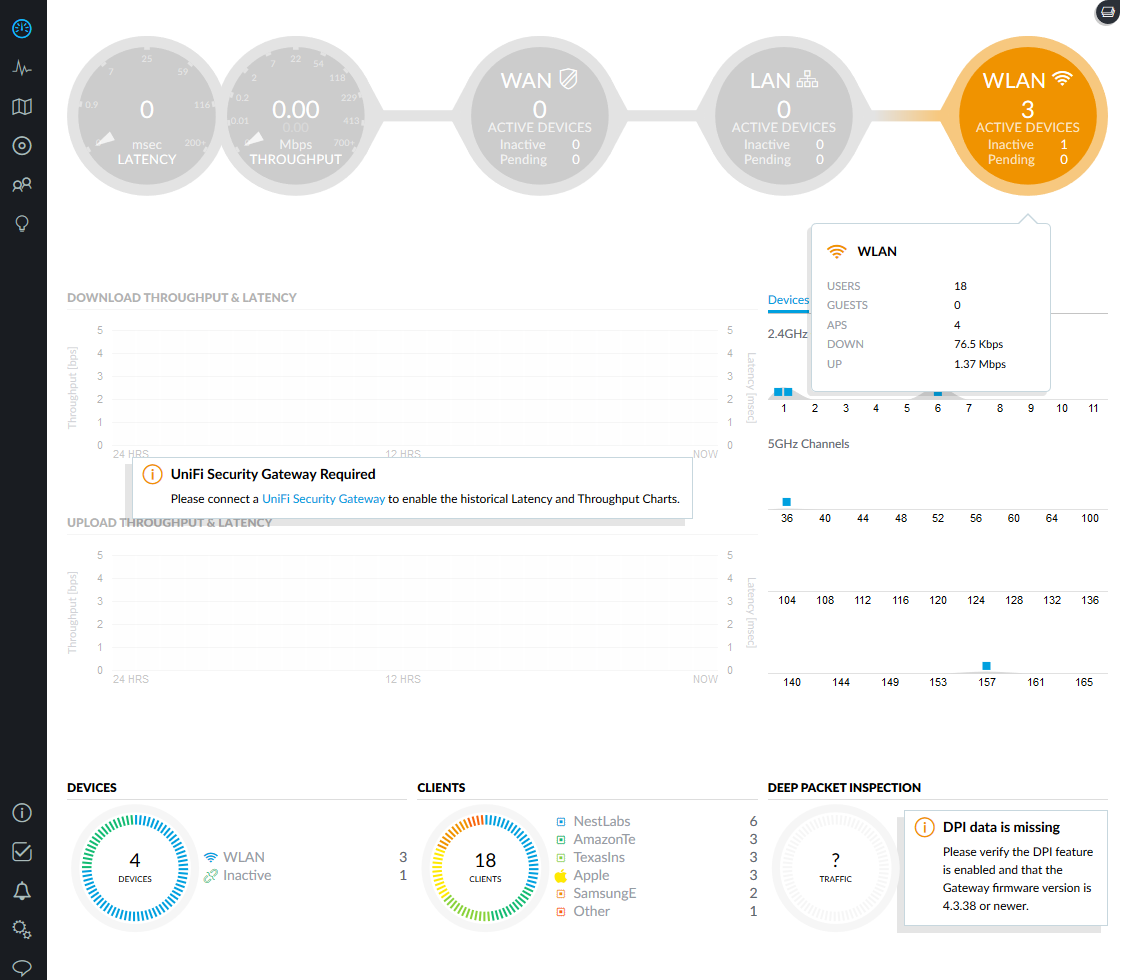
One nice feature is that the interface is visually appealing. I am only running access points right now, but if you add a USG (Unifi Security Gateway) you can access tons of data about all the information you send and receive. I probably have no use for that as an average consumer, but it would be super cool to see! You can also add a Cloud Key device if you want to control your network away from home. For the average consumer though, if you are using the Wifi supplied by your ISP, you should disable that and add a couple Unifi APs.
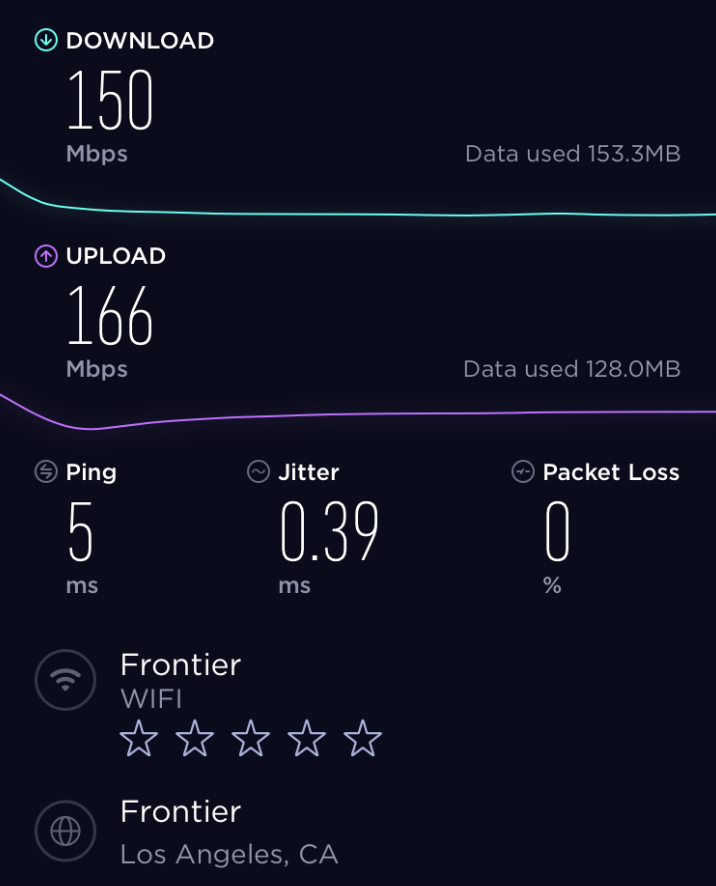
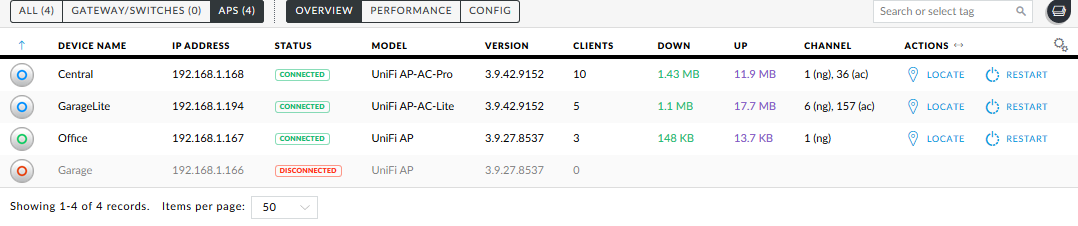
My Frontier plan is 150/150, and with my previous setup I would generally get about 10/10 from anywhere in my house. I tried Wifi extenders and other options, but they were spotty at best. In my case I was able to wire 3 APs throughout my house (which is probably way overkill). Now I can walk from my driveway to my backyard with a super low ping, and full 150/150 speeds on my phone. My cameras, video doorbell and smart-home devices now load instantly and are very responsive.
They have several different spec APs at different price levels depending on your need, but they are all great pieces of equipment. Do your research to figure out what is best for your situation. If you’re like me, you’ll like the quality so much that you’ll go down the Unifi rabbit hole wanting more and more devices. I know this isn’t directly related to PC Gaming, but I had to plug them because they’re just that good.
Here are a couple of the APs I use:
*As an Amazon Associate I earn from qualifying purchases.
 Past Prime Gaming